
Overview
The Company Dashboard allows for multiple individual accounts to be housed under a single Company Account. As a company admin, you'll have access to different company settings, overrides, and users.
Among these settings, you'll have access to edit your Company-wide LOS Settings.
How to Set Up
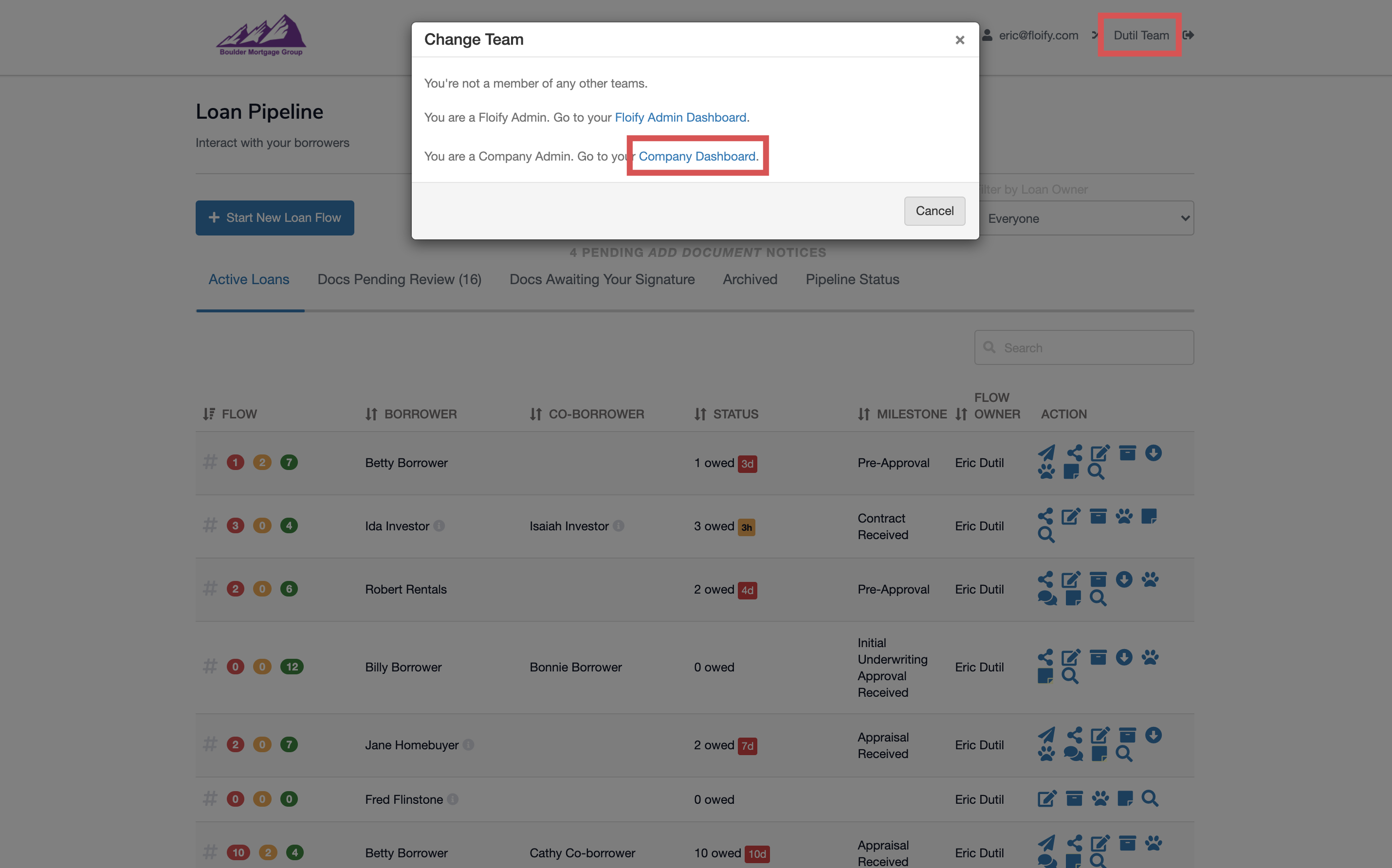
From the team pipeline, choose the team name in the upper right-hand corner and select the option to navigate to the Company Dashboard:
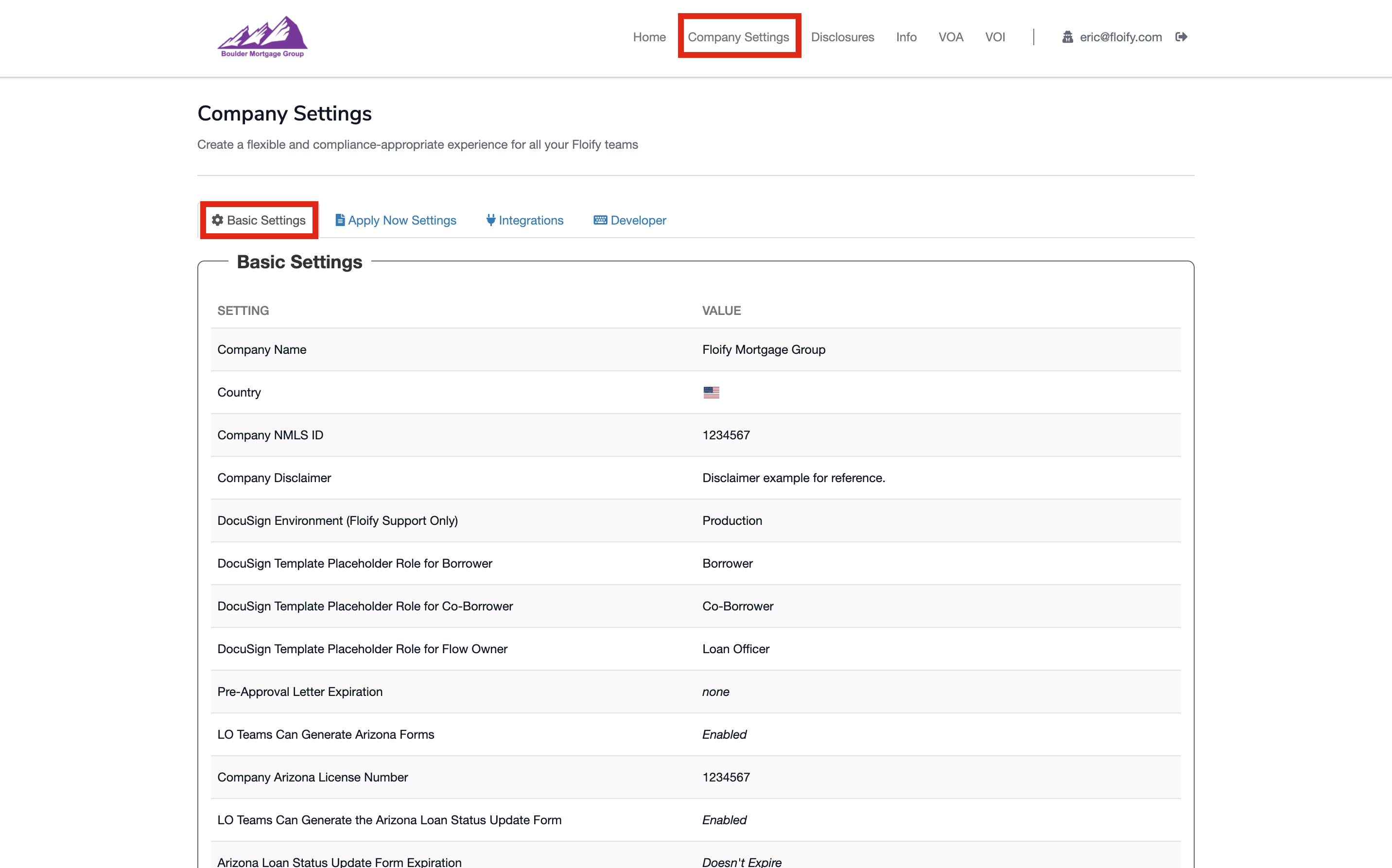
Navigate to Company Settings and then Basic Settings:
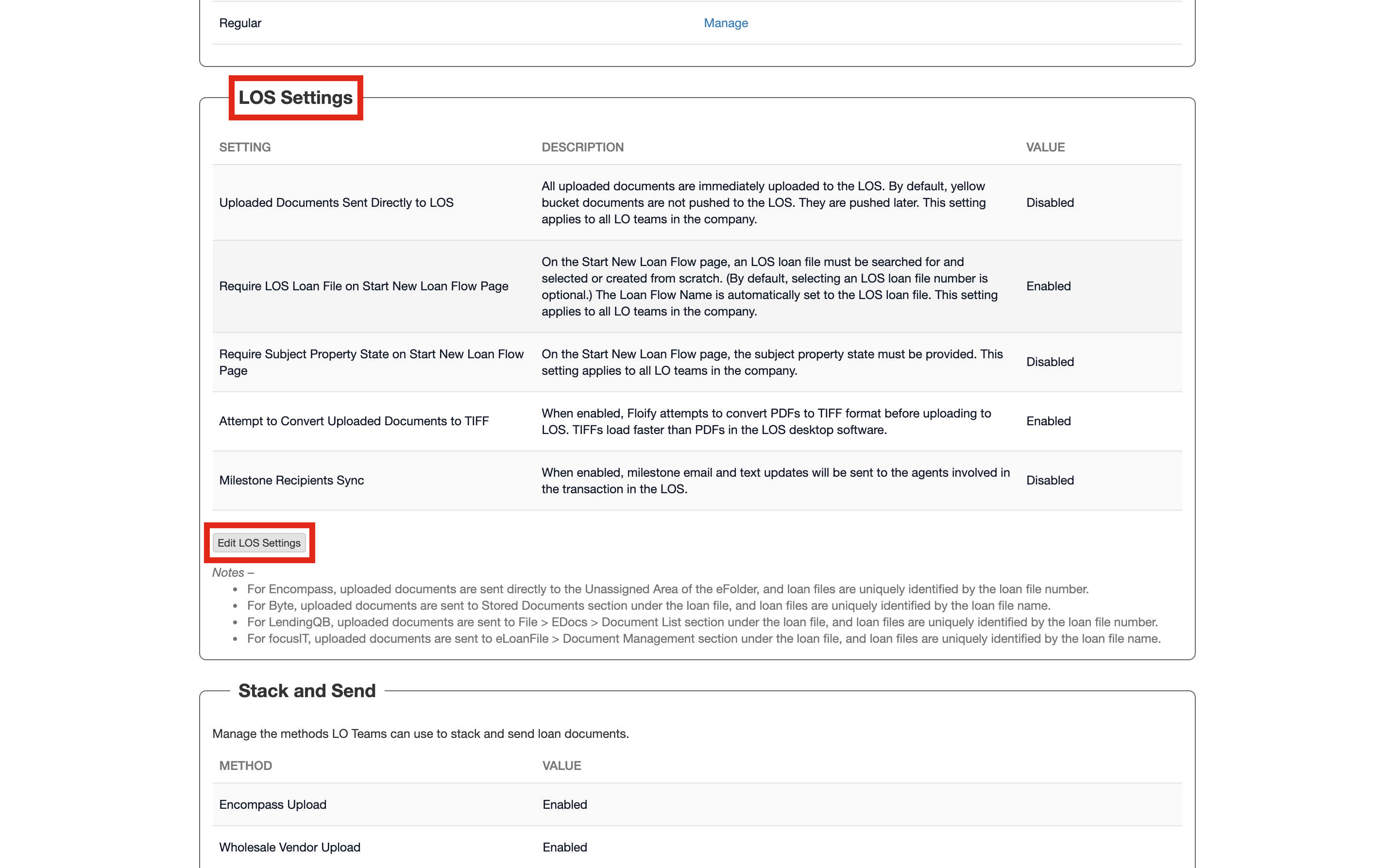
Scroll down to LOS Settings and select the option to Edit LOS Settings:
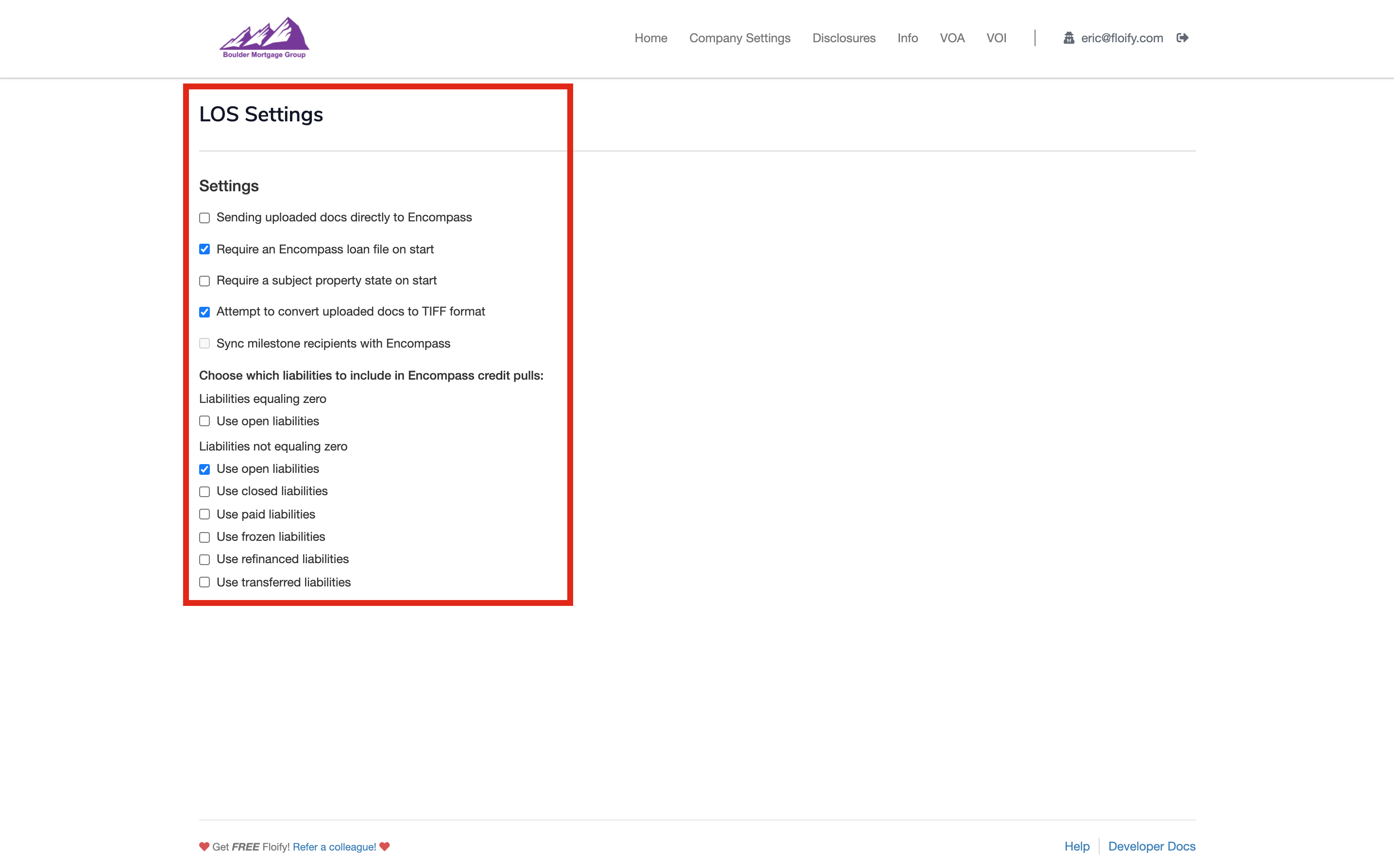
From here, you can select which options you'd like to enable or disable for all teams directly:
Please sign in to leave a comment.