
Overview
The loan pipeline is where you will manage all of your borrowers, including reviewing application and document data, making adjustments to the loan flow, and locating any additional information regarding the loan.
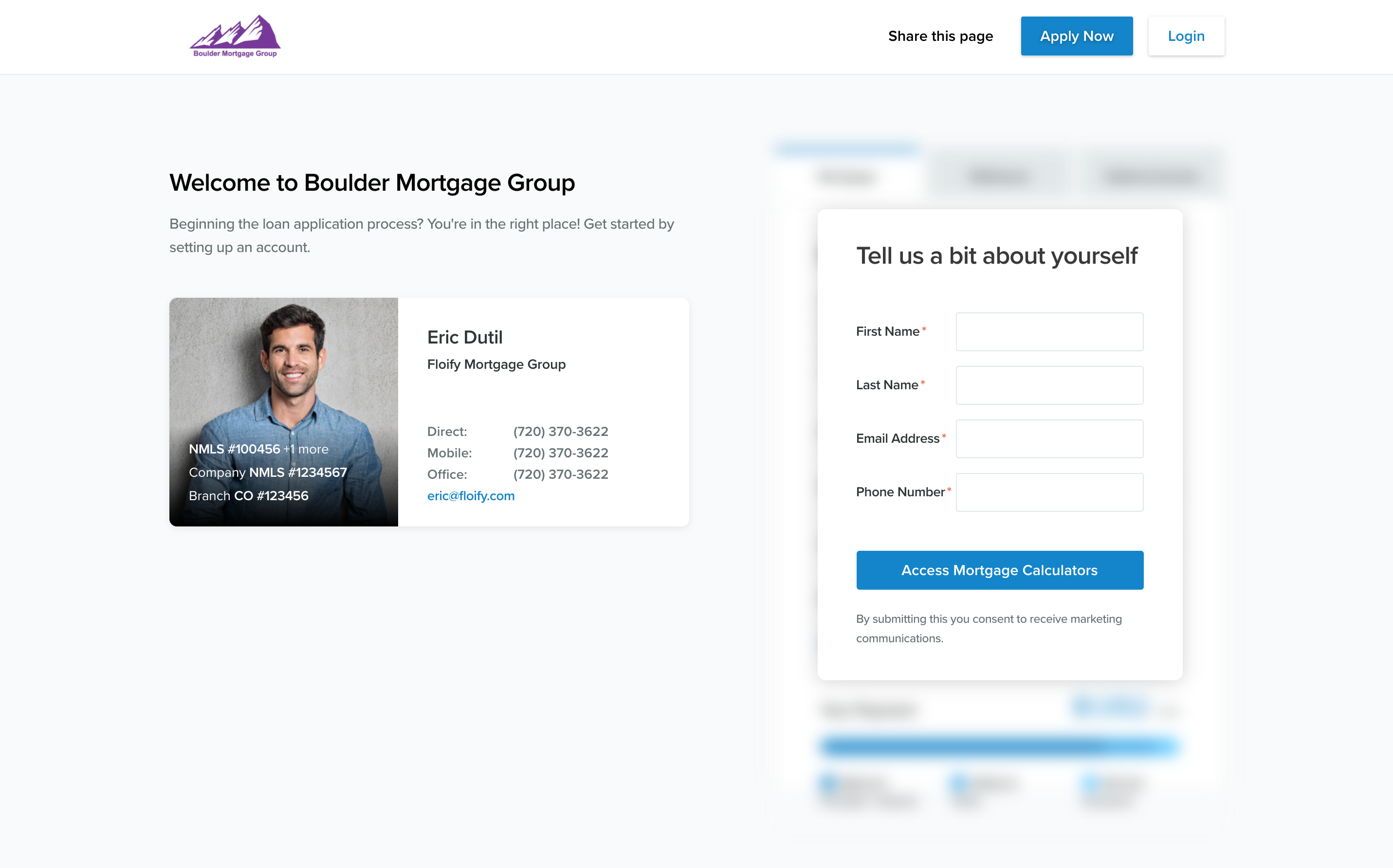
Among these options, you will have the option to preview your landing page.
How to Use
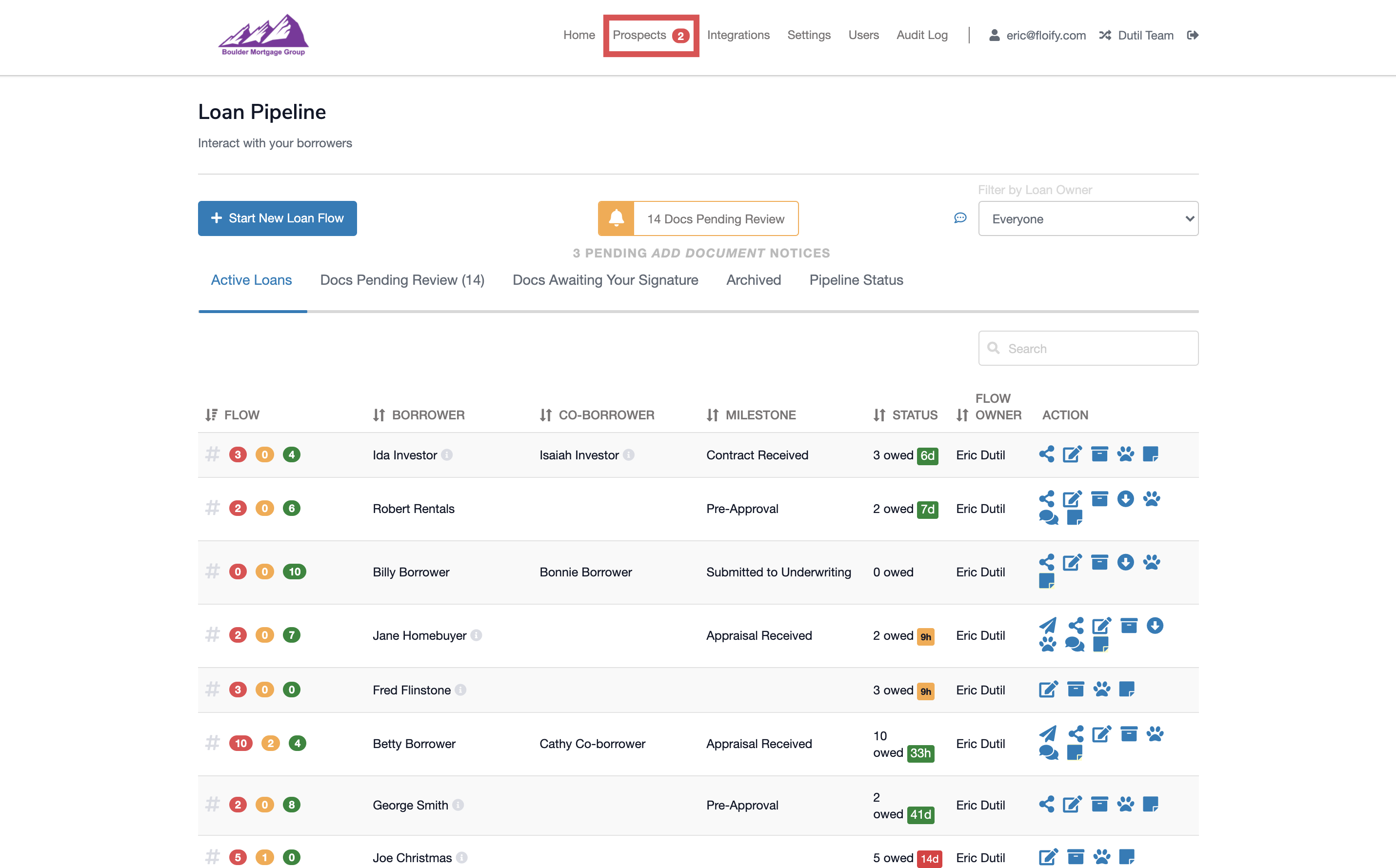
From your active loan pipeline, select the Prospects tab at the top of the page:
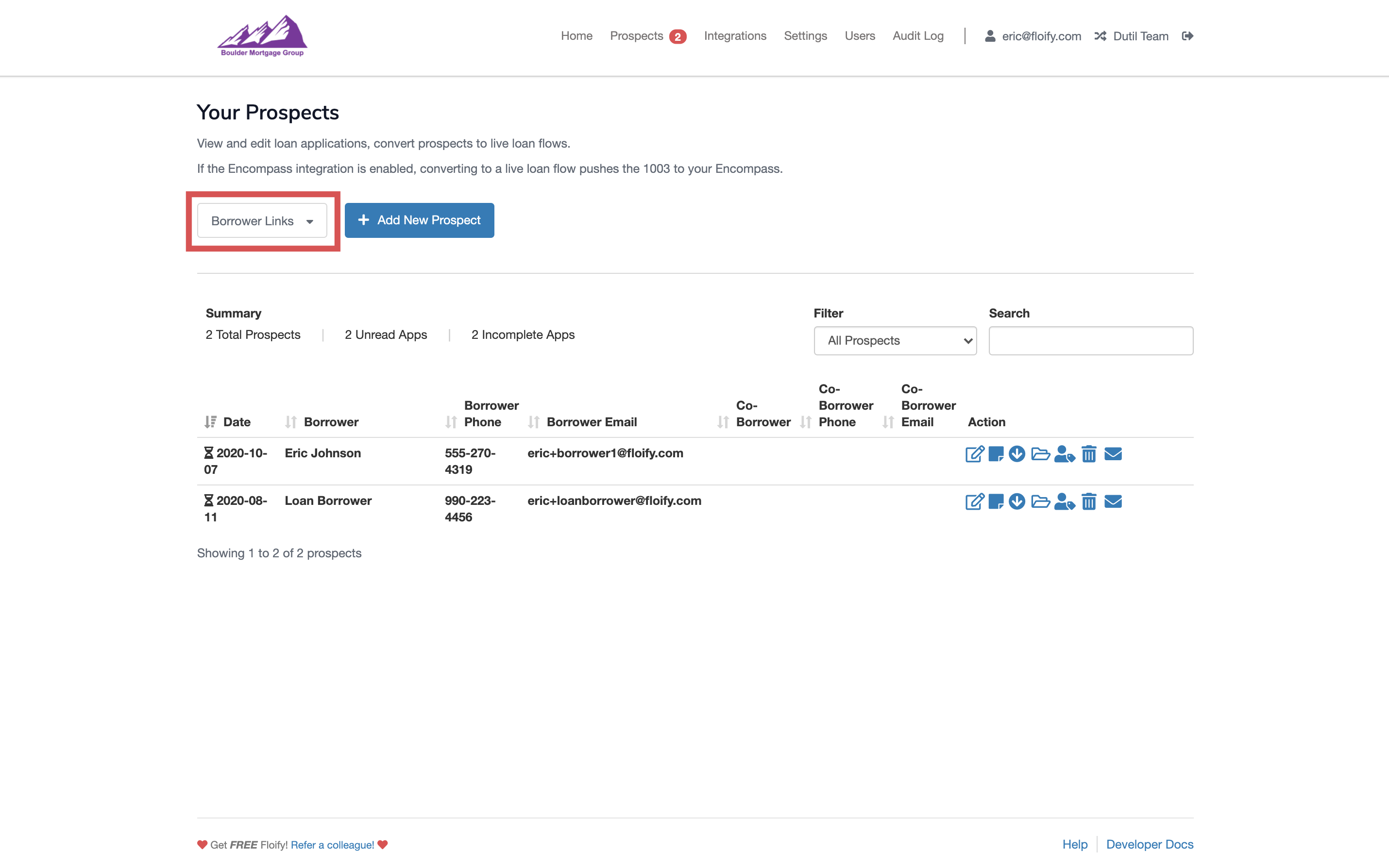
Locate the Borrower Links section underneath the header:
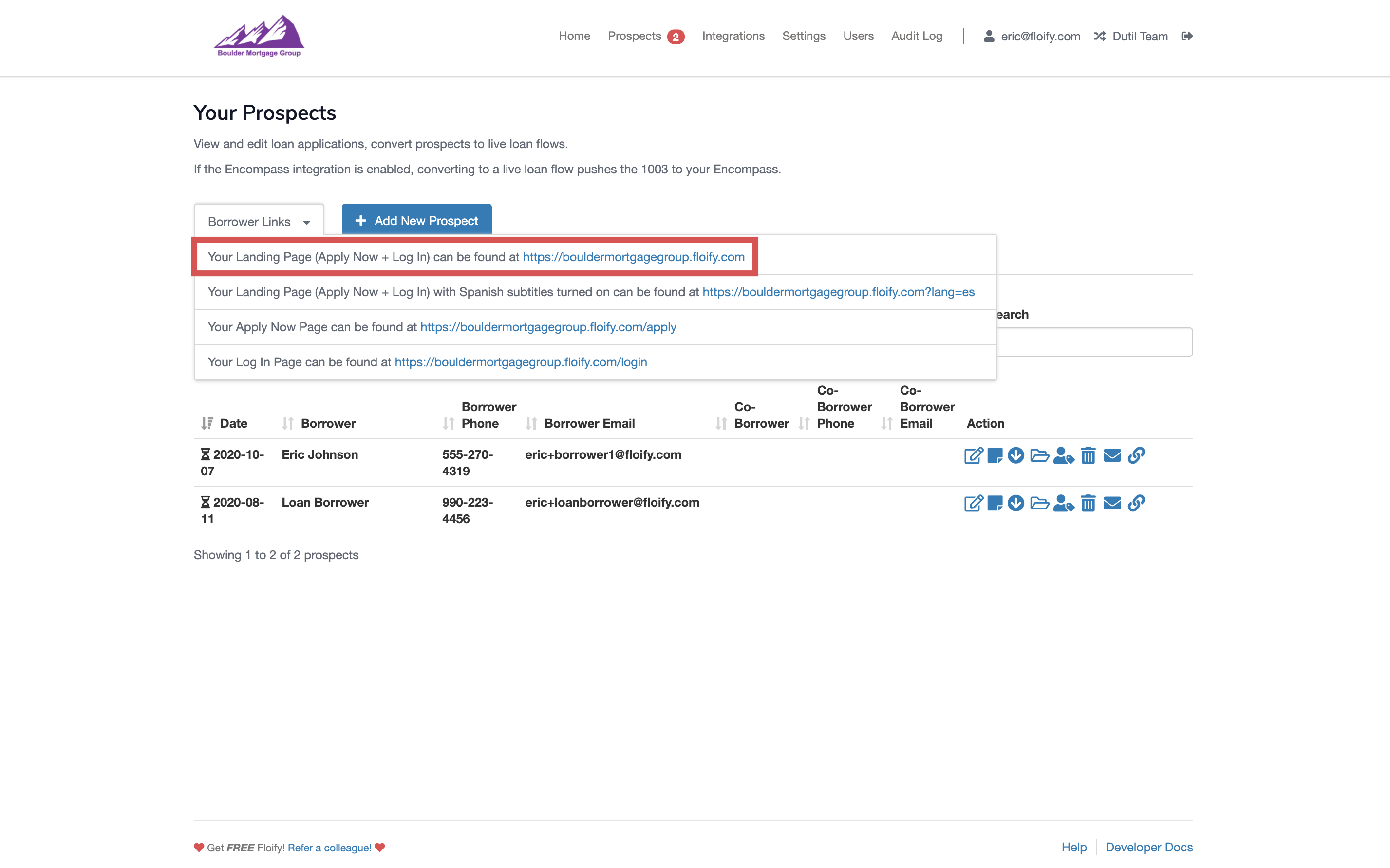
Hover over the tab to see a dropdown. Click on your Landing Page link to open it in a new tab or window:
Preview your landing page!
Please sign in to leave a comment.